Spendwise
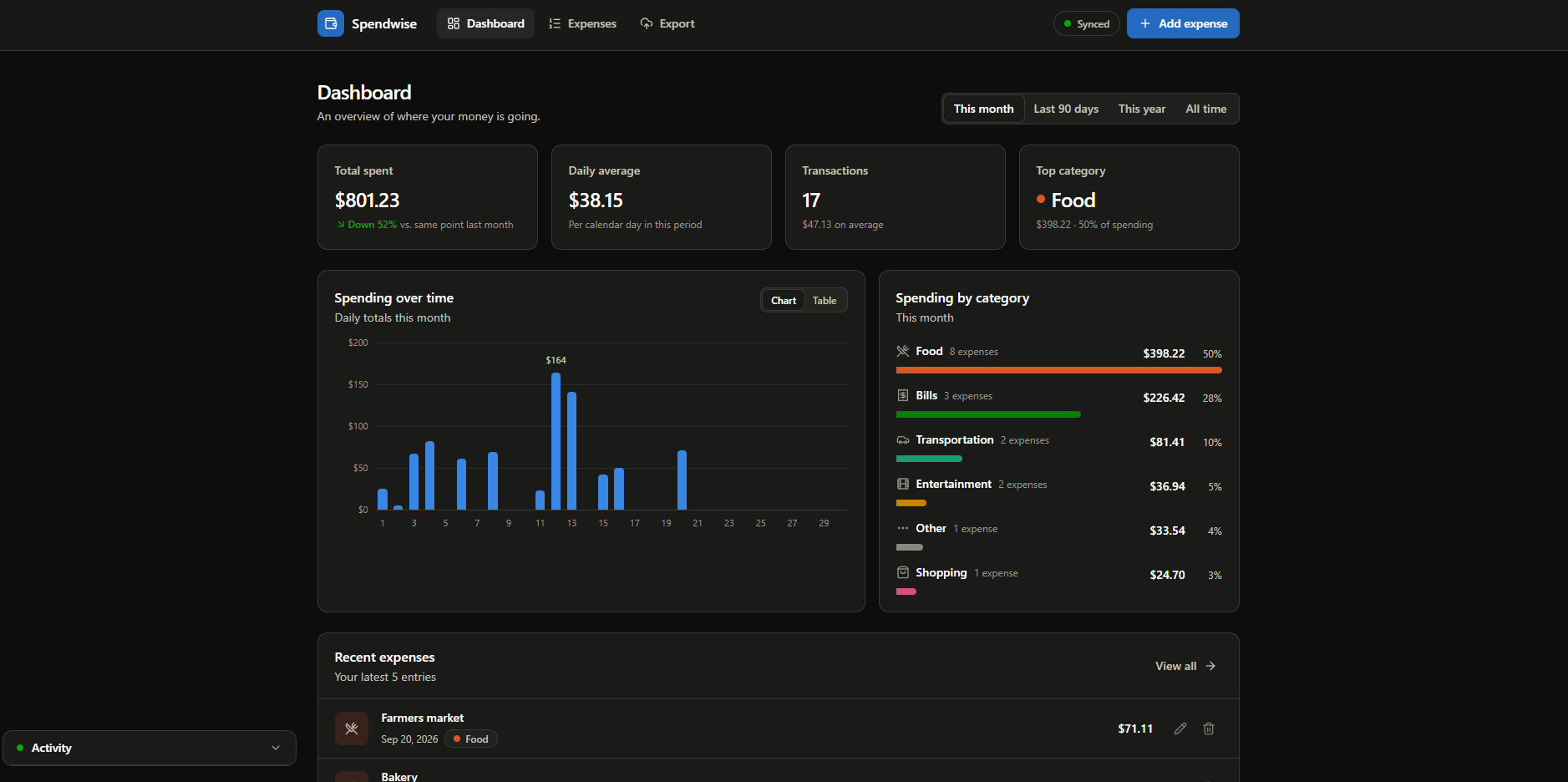
Spendwise is a personal finance dashboard for tracking expenses, reviewing spending trends, and exporting data — built entirely client-side with Next.js 14, TypeScript, and Tailwind CSS, with no backend or account required.
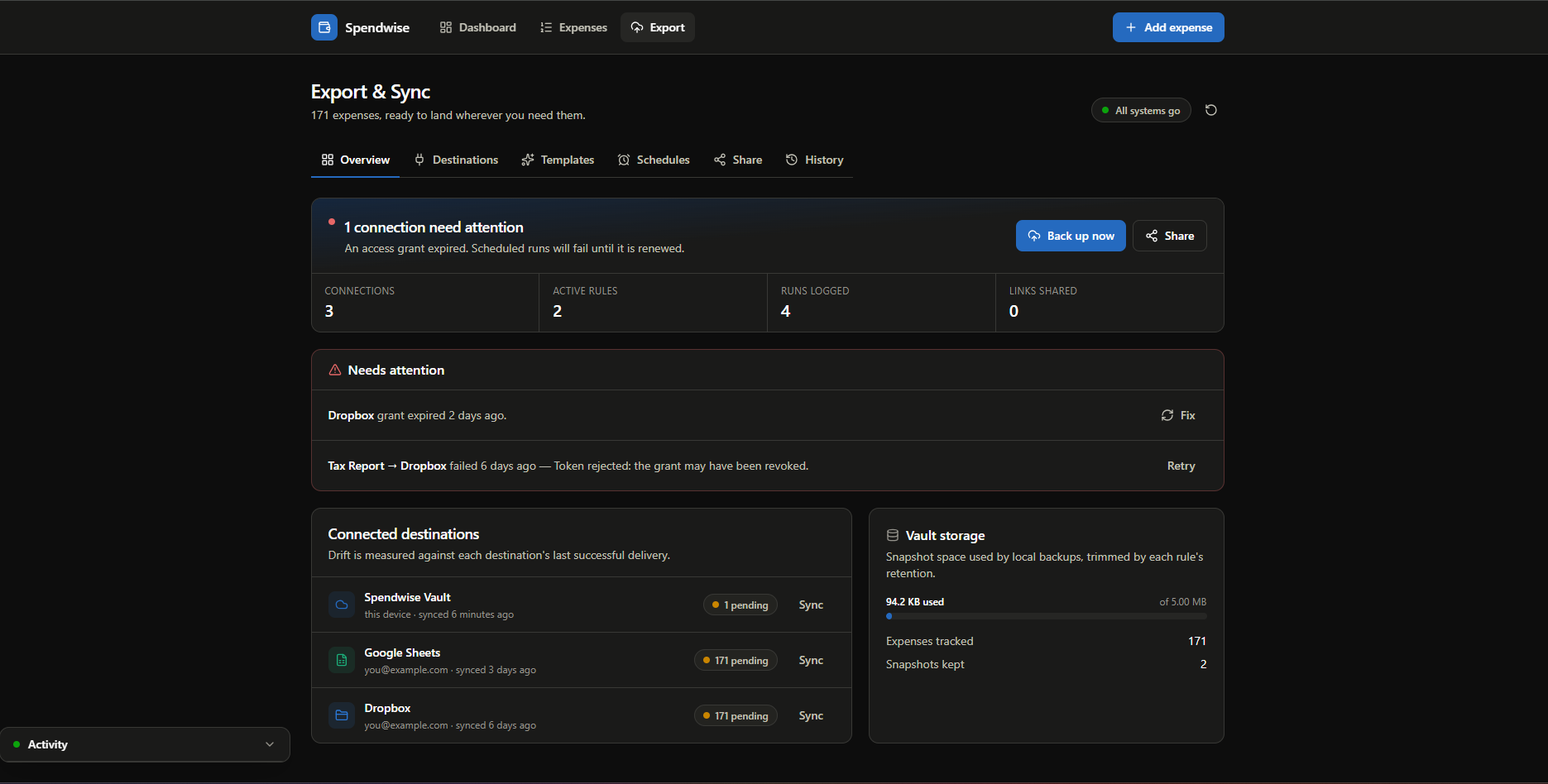
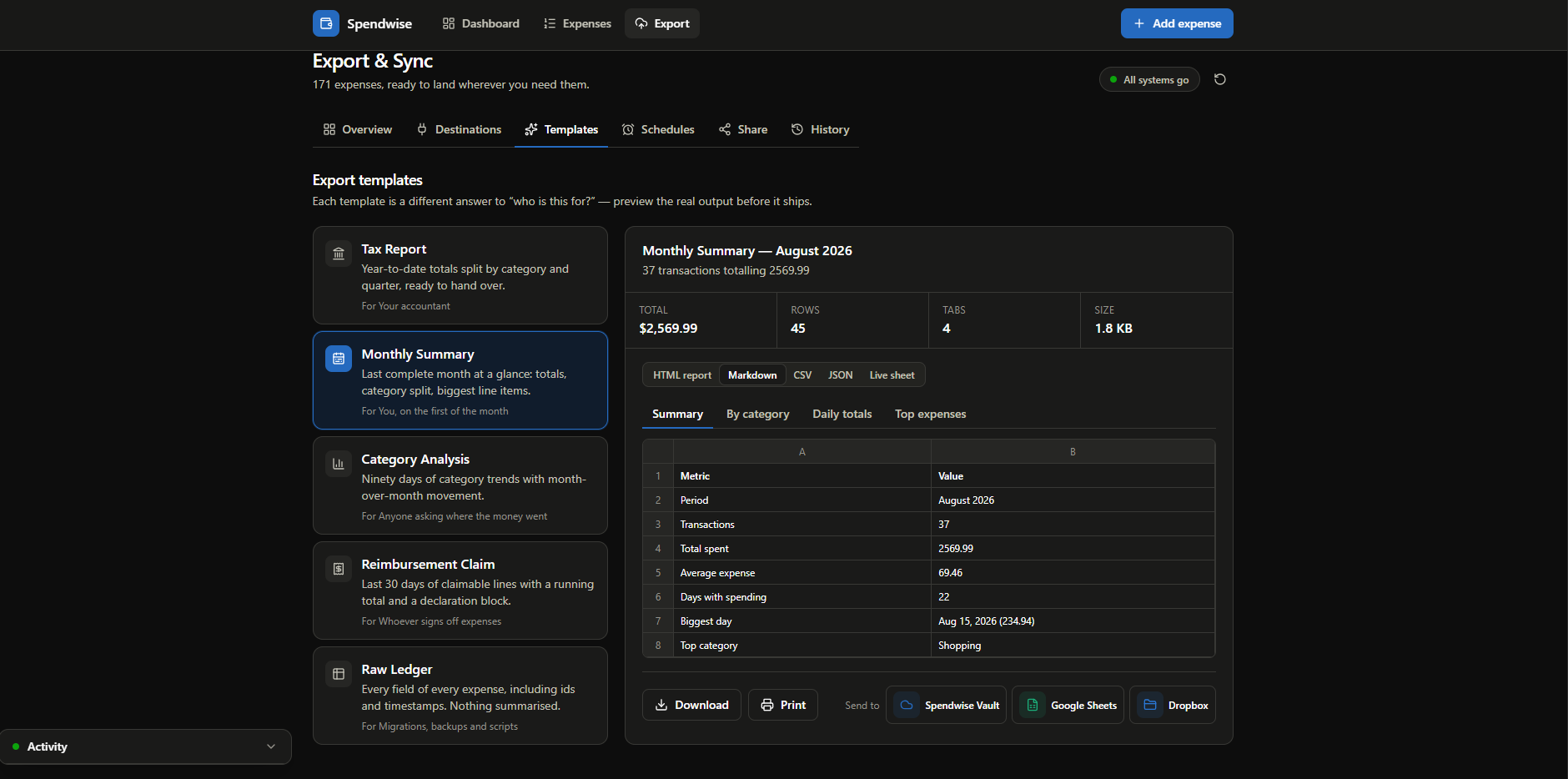
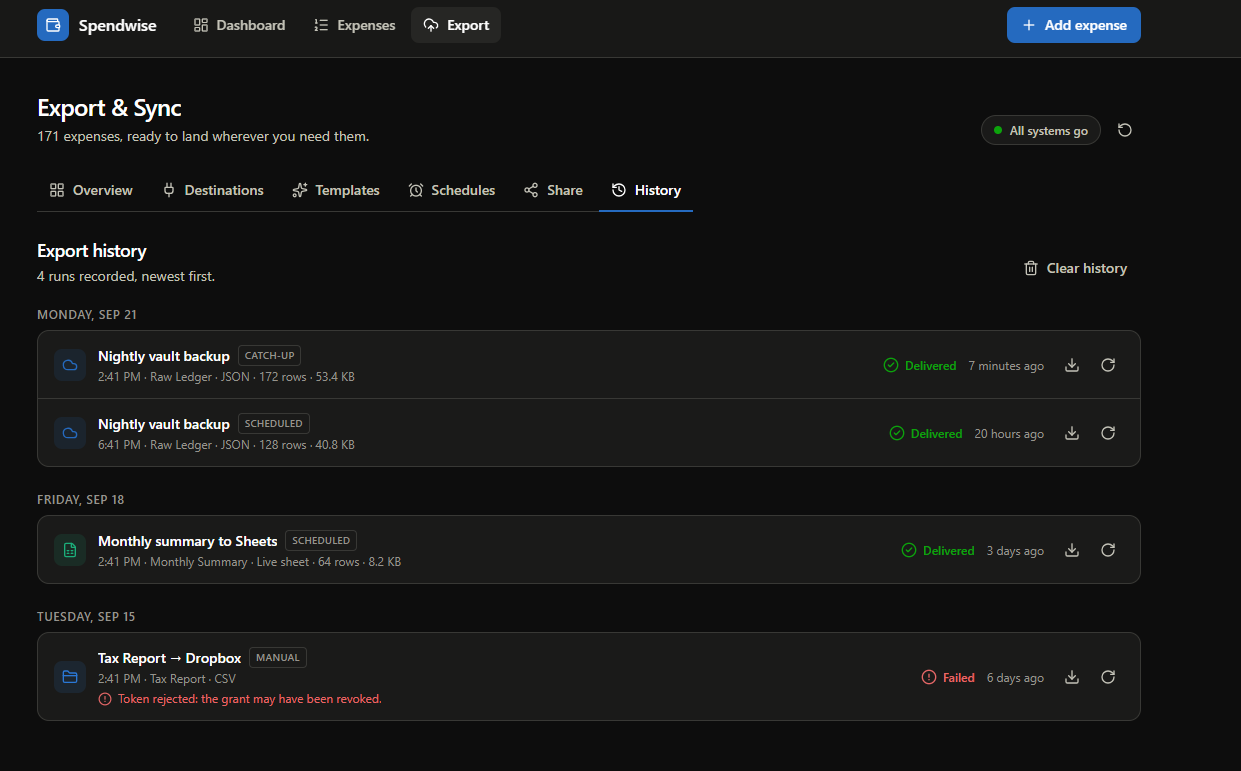
The repository doubles as an architecture case study: three branches (v1, v2, v3) each solve the same problem — exporting expense data — with deliberately different designs, from a one-line CSV button to a full simulated cloud export-and-sync platform. This build showcases v3, the most ambitious version: a six-panel "Export & Sync" hub with connectors, report templates, scheduling, and shareable links.
Features
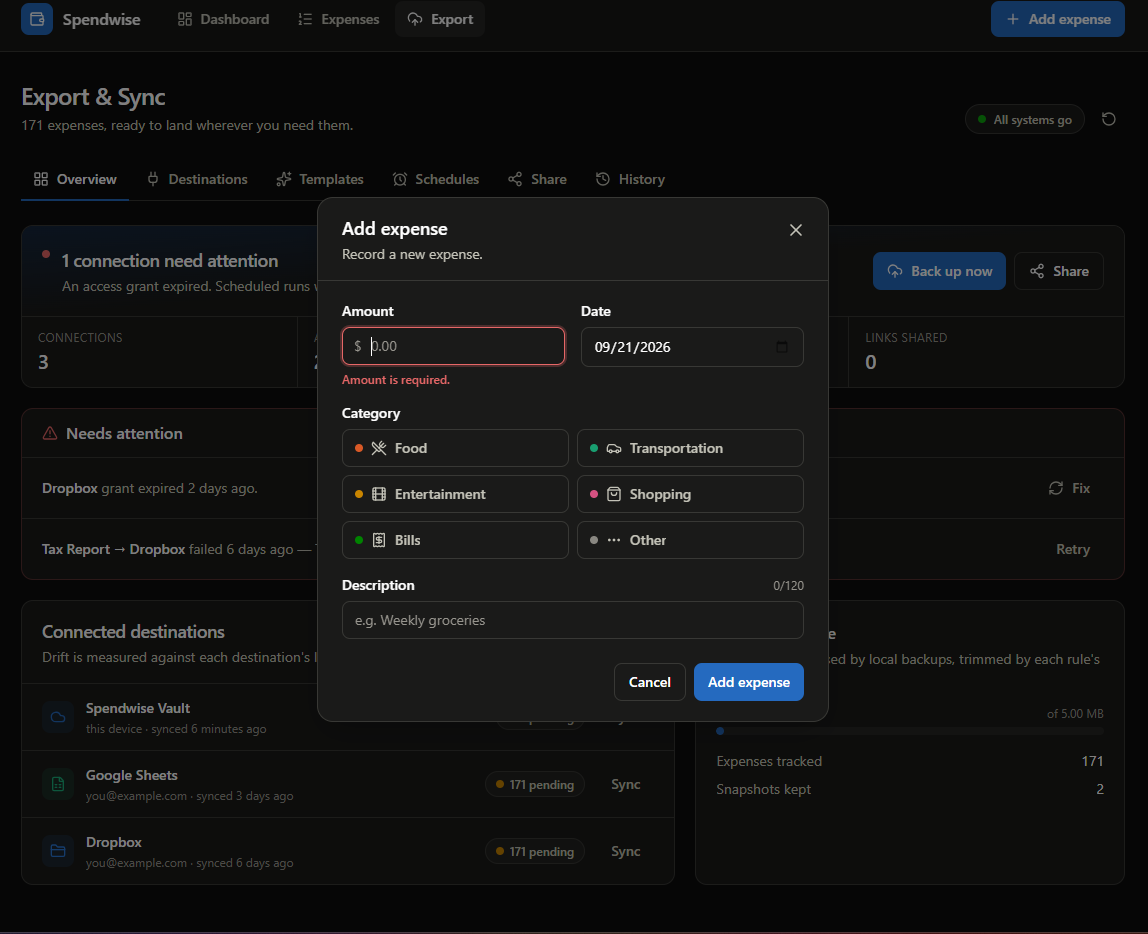
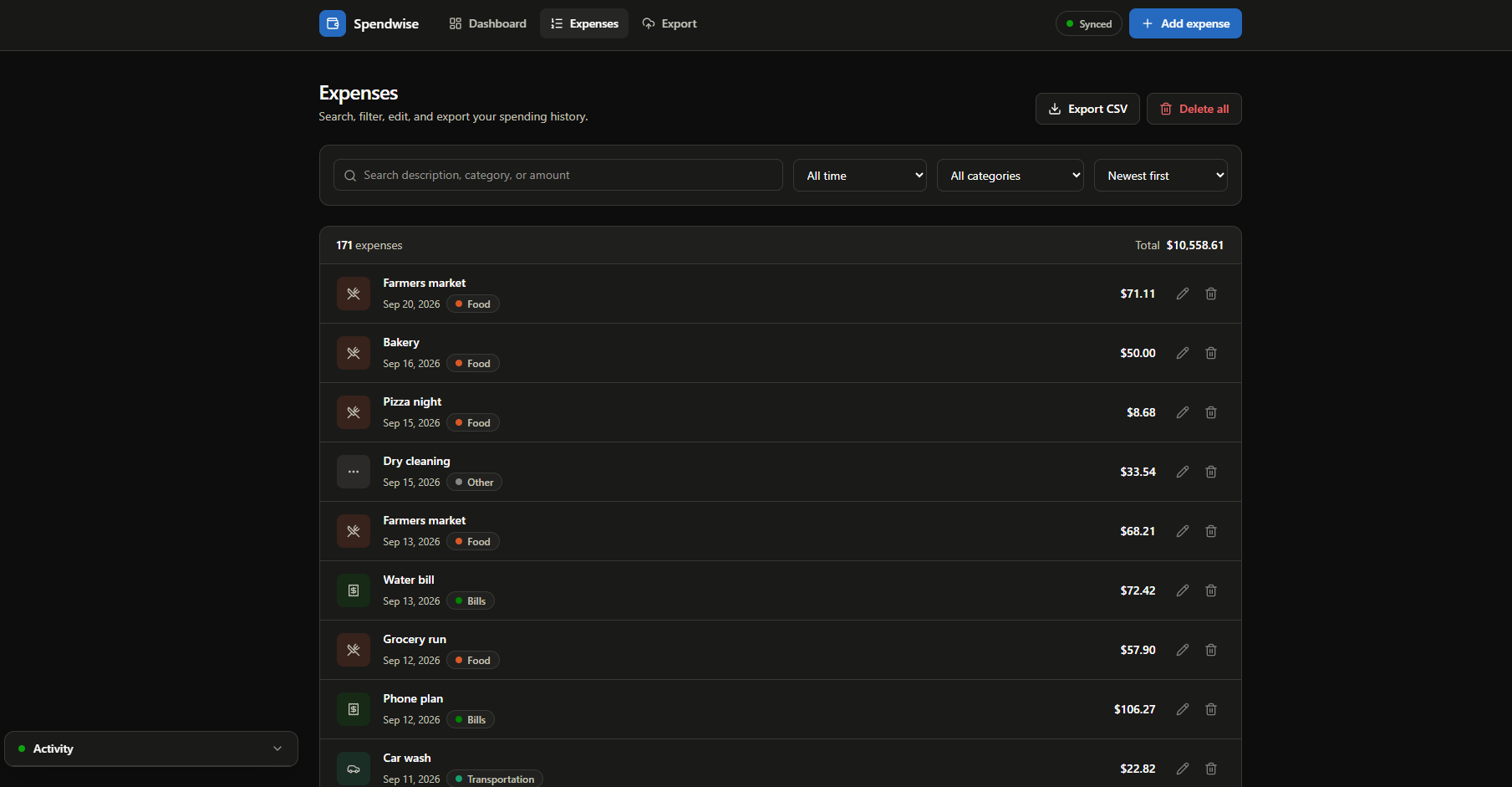
- Expense tracking with add/edit/delete, validation, and undo
- Dashboard analytics: monthly, 90-day, yearly, and all-time summaries with category breakdowns
- Filtering, search, and sorting across the expense list
- Export & Sync hub (
/export) — six tabs: Overview, Destinations, Templates, Schedules, Share, History - 9 simulated destinations (Vault, Email, Google Sheets, Drive, Dropbox, OneDrive, Slack, Notion, Webhook)
- 5 report templates (Tax, Monthly, Category, Reimbursement, Raw Ledger) compiled once and rendered as CSV, JSON, NDJSON, Markdown, or standalone HTML
- A real job queue with concurrency, retries, and progress, driving a floating activity tray on every page
- Recurring schedules with catch-up detection, and shareable report links backed by an in-house QR code encoder
Architecture & Design
The v3 branch is a good example of a provider-driven, timer-based state machine wrapping the whole app:
AppShell
 └─ CloudProvider (useCloud.tsx, ~800 LOC)
      state: { connections, jobs, history, schedules, shares } ⇄ localStorage
      ├─ Job engine: setInterval 250ms
      │    queued → authorizing → packaging → uploading → verifying → done|failed
      ├─ Scheduler: setInterval 15s → due rules get enqueued
      └─ enqueue: compileTemplate → serialize → payloadCache → job

compileTemplate(id, expenses) → CompiledExport { sheets[] }
   └─ serialize(compiled, format) → csv | json | ndjson | markdown | html
Key design decisions:
- Compile-then-serialize. Every report is built once into a neutral
CompiledExportshape (title, sheets, columns, rows), and each output format is just a renderer over that same structure — the same strategy-pattern idea the v2 branch uses for its CSV/JSON/PDF registry, so adding a sixth format only means adding one renderer. - In-house subsystems. The QR encoder (ISO/IEC 18004, Reed–Solomon, 8 masks scored by penalty) and the job engine are both written from scratch with zero new dependencies — a deliberate constraint to keep the bundle small and the logic auditable.
- A
useRefstate mirror. Timer callbacks read astateRefmirror instead of closing over stale React state, so the 250ms job tick and the 15s scheduler always act on the latest state.
I also treated this branch as a code-review exercise:
code-analysis.mdin the repository compares all three export branches end to end — architecture, complexity, security, and performance — and calls out v3's real trade-offs, including where its single 800-line provider should be split, why cross-tab state isn't coordinated, and where a simulated system's UI claims ("encrypted", "backed up") shouldn't ship to production unchanged. Being honest about a design's limits is as much a part of the architecture as the diagram is.Author: Felipe Viana
Scope
- Client-side only — all state lives in localStorage, there is no backend or user account
- Every export destination (Google Sheets, Slack, Notion, Webhook, etc.) is a simulated connector: no OAuth, no network calls, nothing is actually uploaded anywhere
- Share links encode the report into the URL fragment, so "sharing" never touches a server — but that also means a link's expiry can be edited by whoever holds it
- Not a production fintech app — it does not read real bank data, and this branch has no user-facing AI feature despite the repository's name
Notes
The repository holds four branches (main, plus v1/v2/v3 export iterations) so the same feature can be compared at three levels of ambition. code-analysis.md documents that comparison in full, including a recommendation for which parts of each branch are actually worth merging into a production version.